Good
things
ahead
Fresh ideas, every day.things
ahead
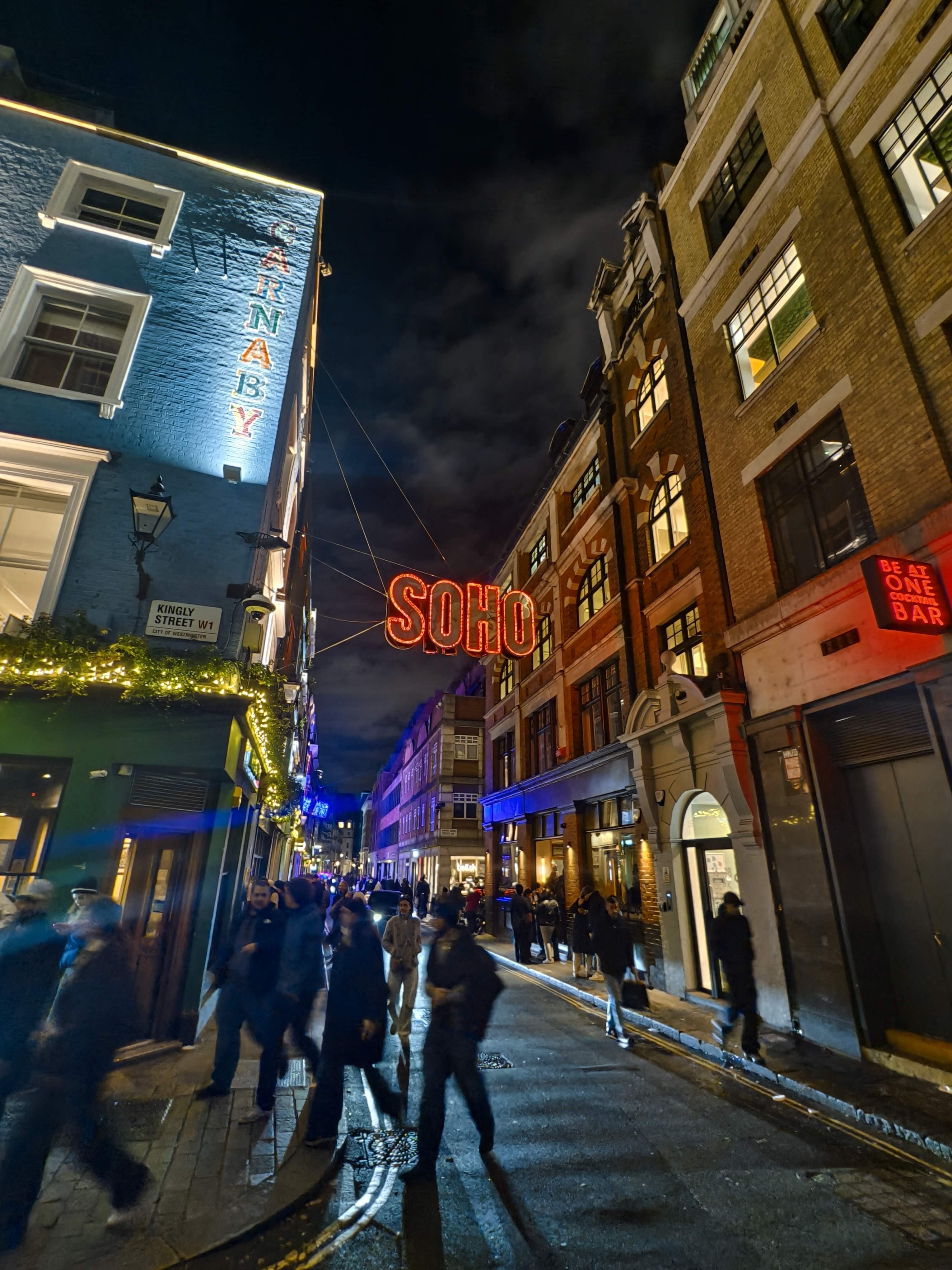
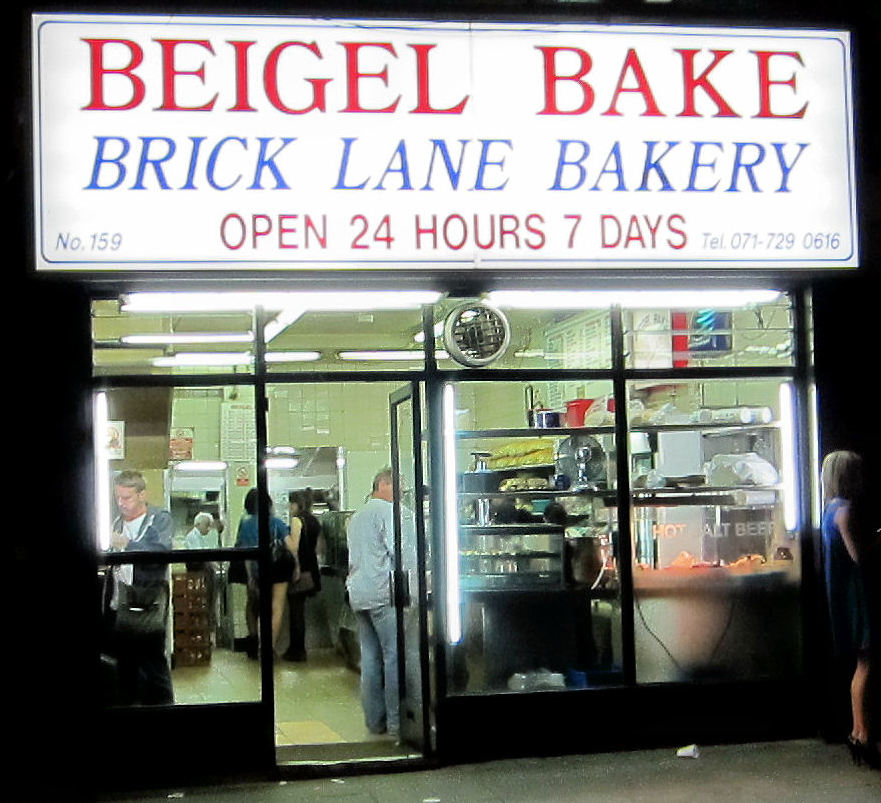
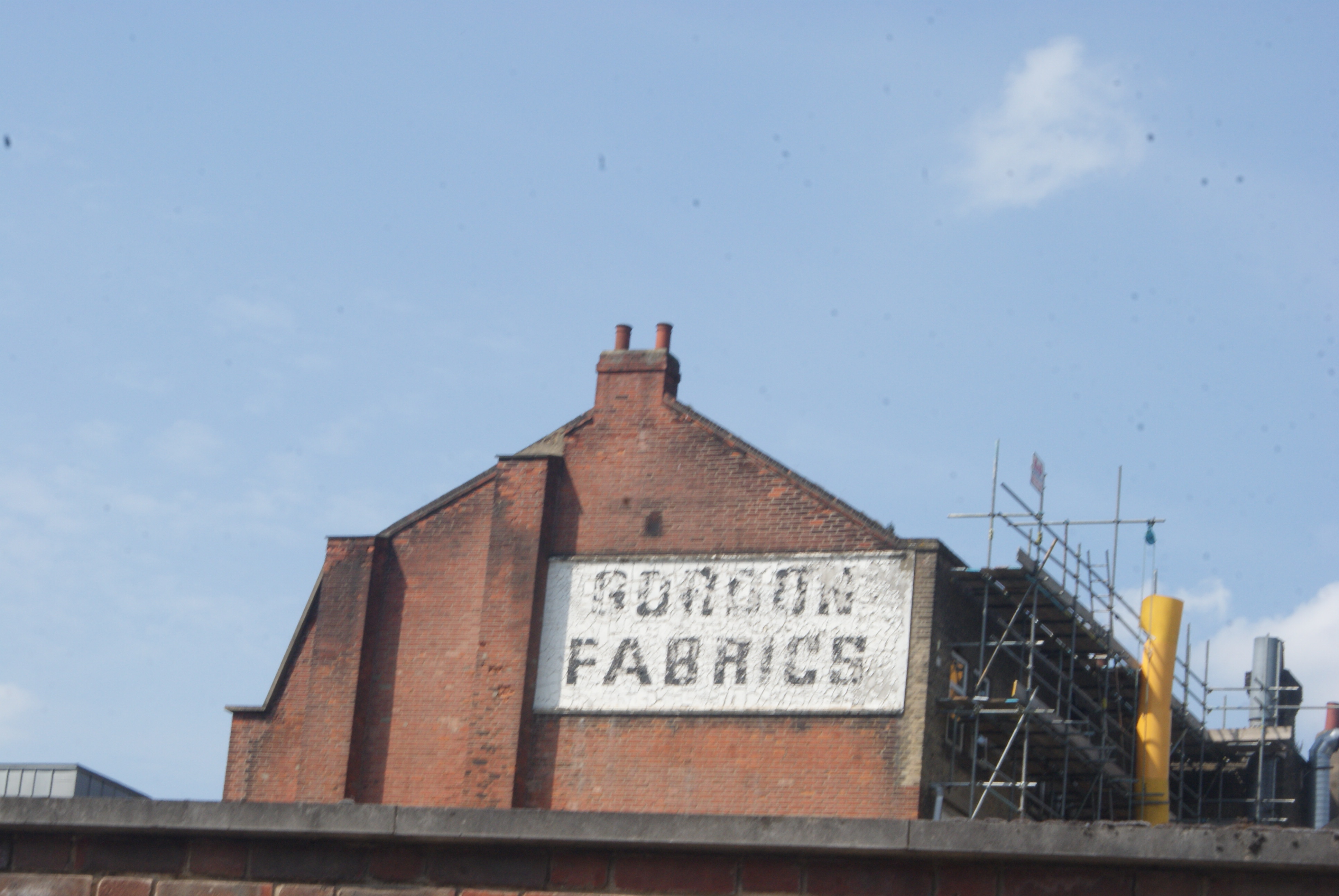
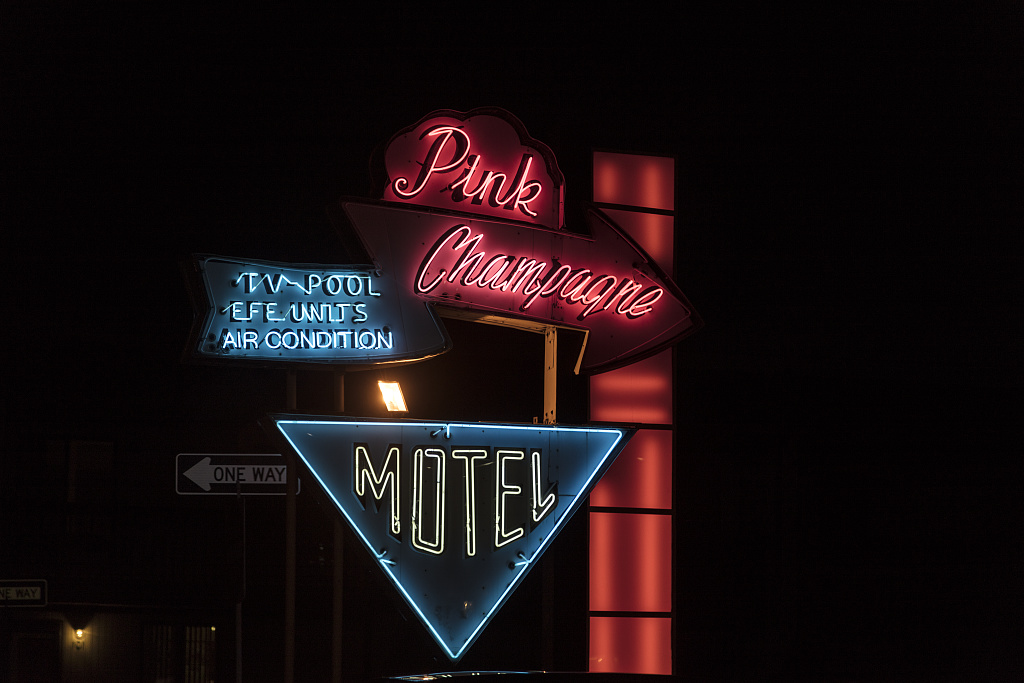
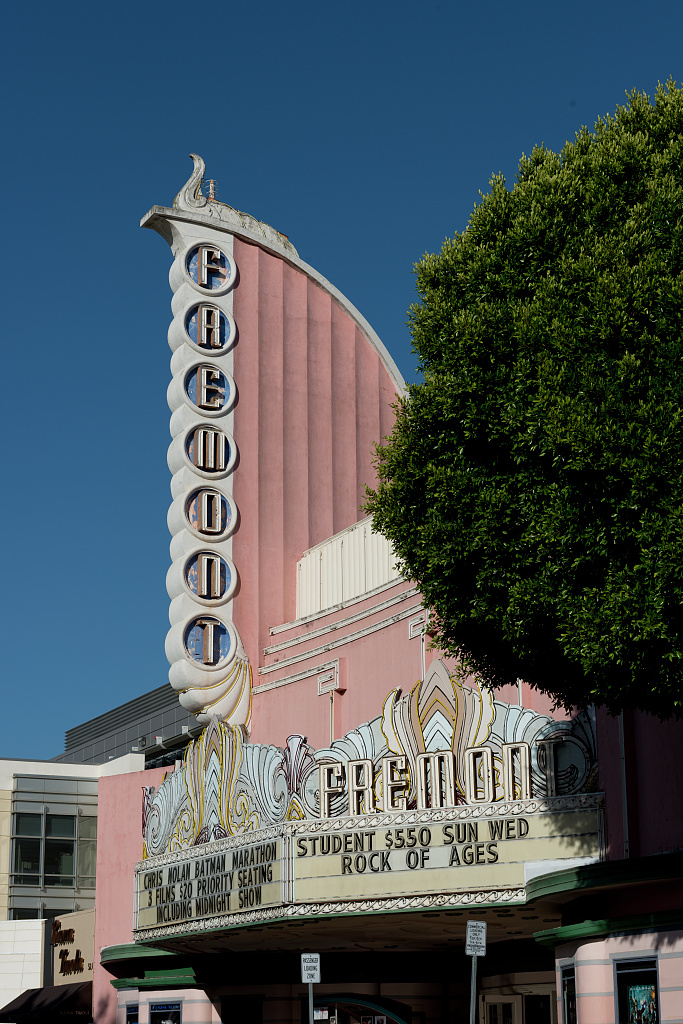
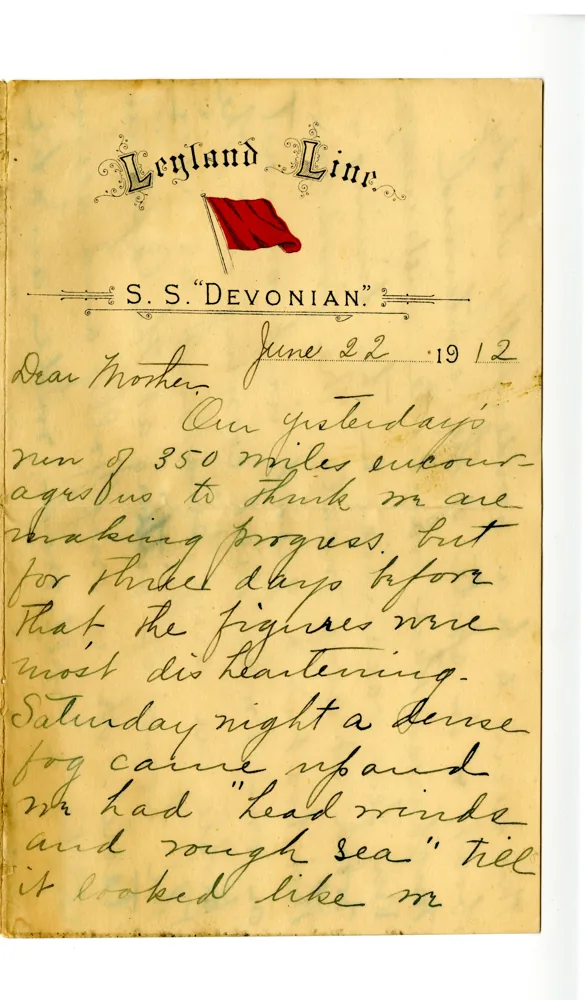
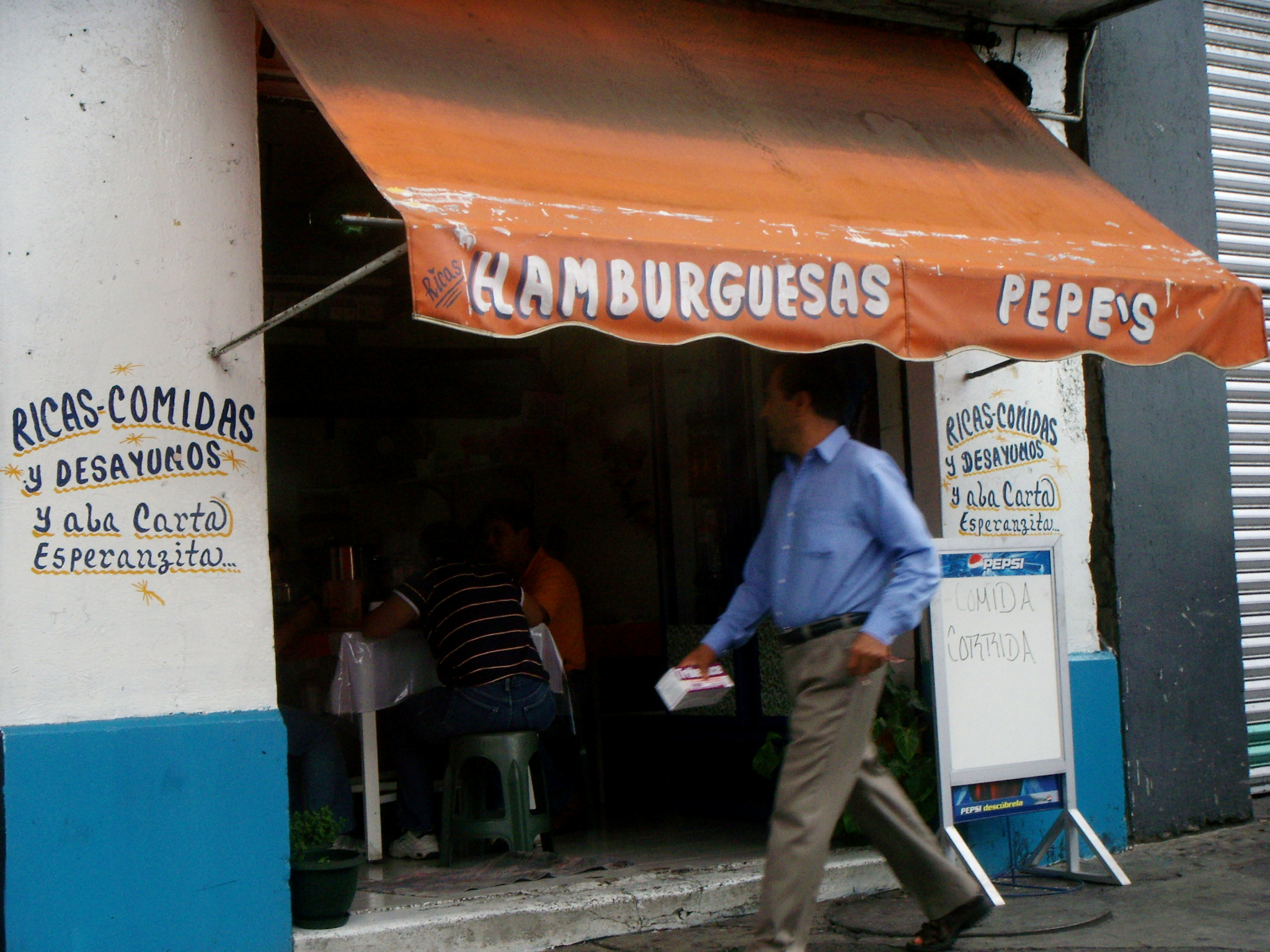
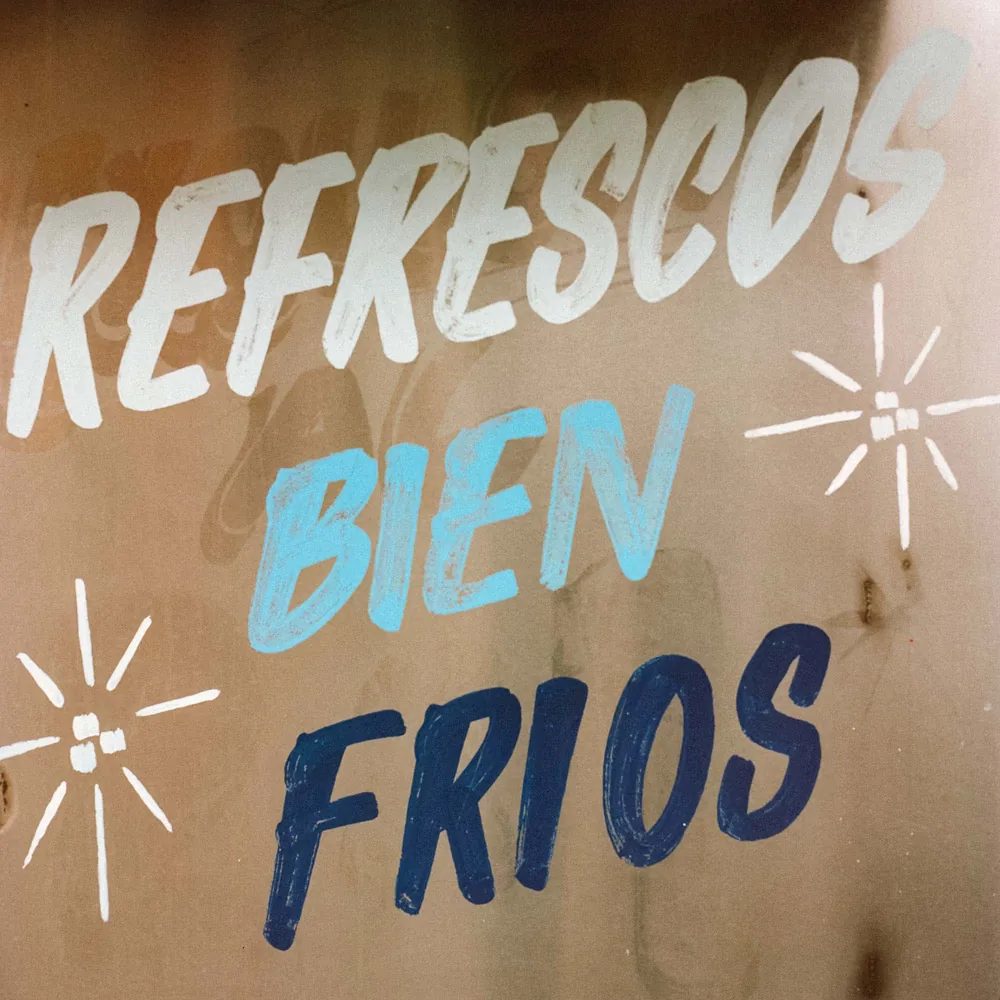
Find inspiration in everyday lettering.
Start with a photo. Explore it as type.
Draw as many boxes as you need.
This usually takes a minute or two.
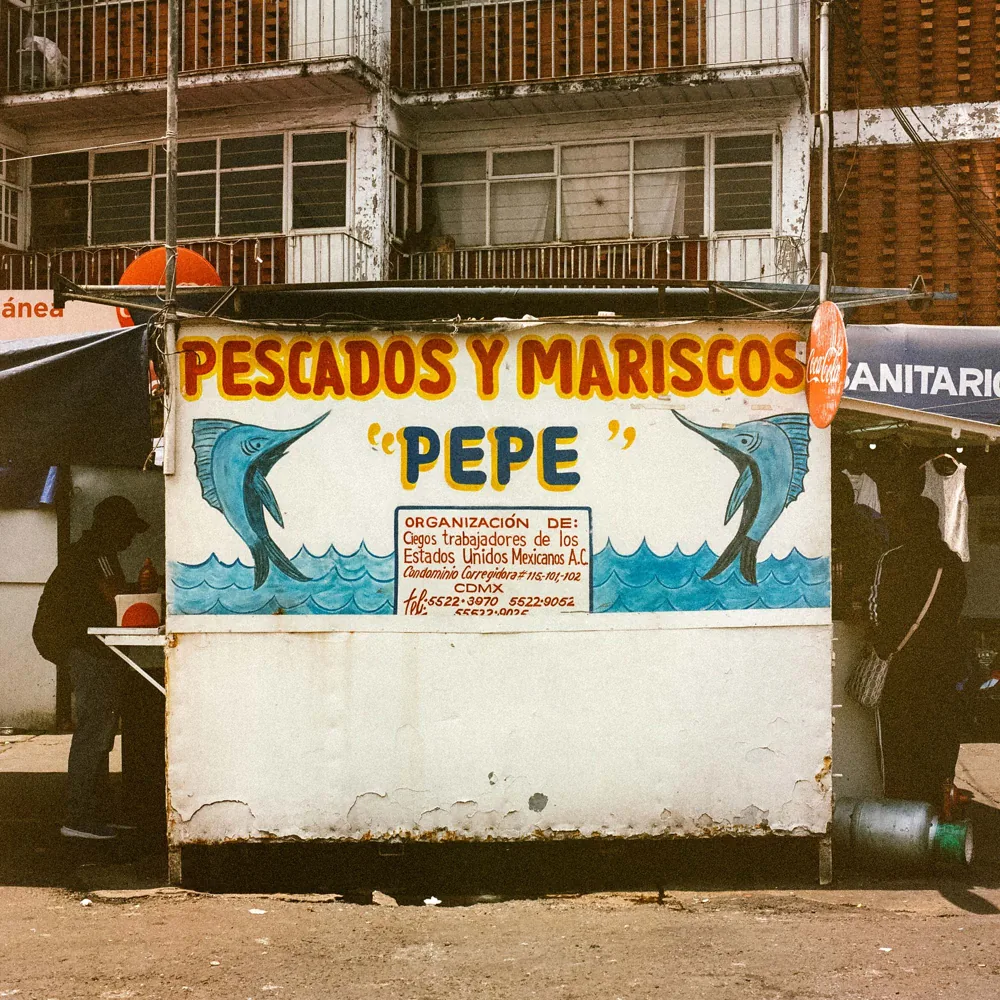
Start with a photo of lettering. Select the letters you want to use, then generate a font to try, refine and download.
Clear, straight-on lettering with good contrast works best. Draw separate boxes around different words or lines, leaving out decorations and unrelated text.
Photo style creates an interpretation of your lettering’s colours and effects. Switch to Monochrome for a simpler, single-colour font. Colour-font support varies between apps.
This local demo needs a connected generation session. Open Start Found Letters.command, enter your API key in its private prompt, and use the page it opens. Keep that Terminal window running. A preview-only page can display saved fonts but cannot generate new ones.
Usually a few minutes, depending on the image service. You can minimise the progress window while it works. Each generation uses your connected API account and may incur charges.
Download a TTF to try in your design apps. Generated letters are drafts, so check them before production. Only adapt lettering you own or have permission to use; owning a photograph does not grant rights to its lettering.